Call done. Now what?Meet Dougie.
A discovery call analyser for your own AI account. Turn one client call into clear next steps, including what was said between the lines.
Get Dougie, £17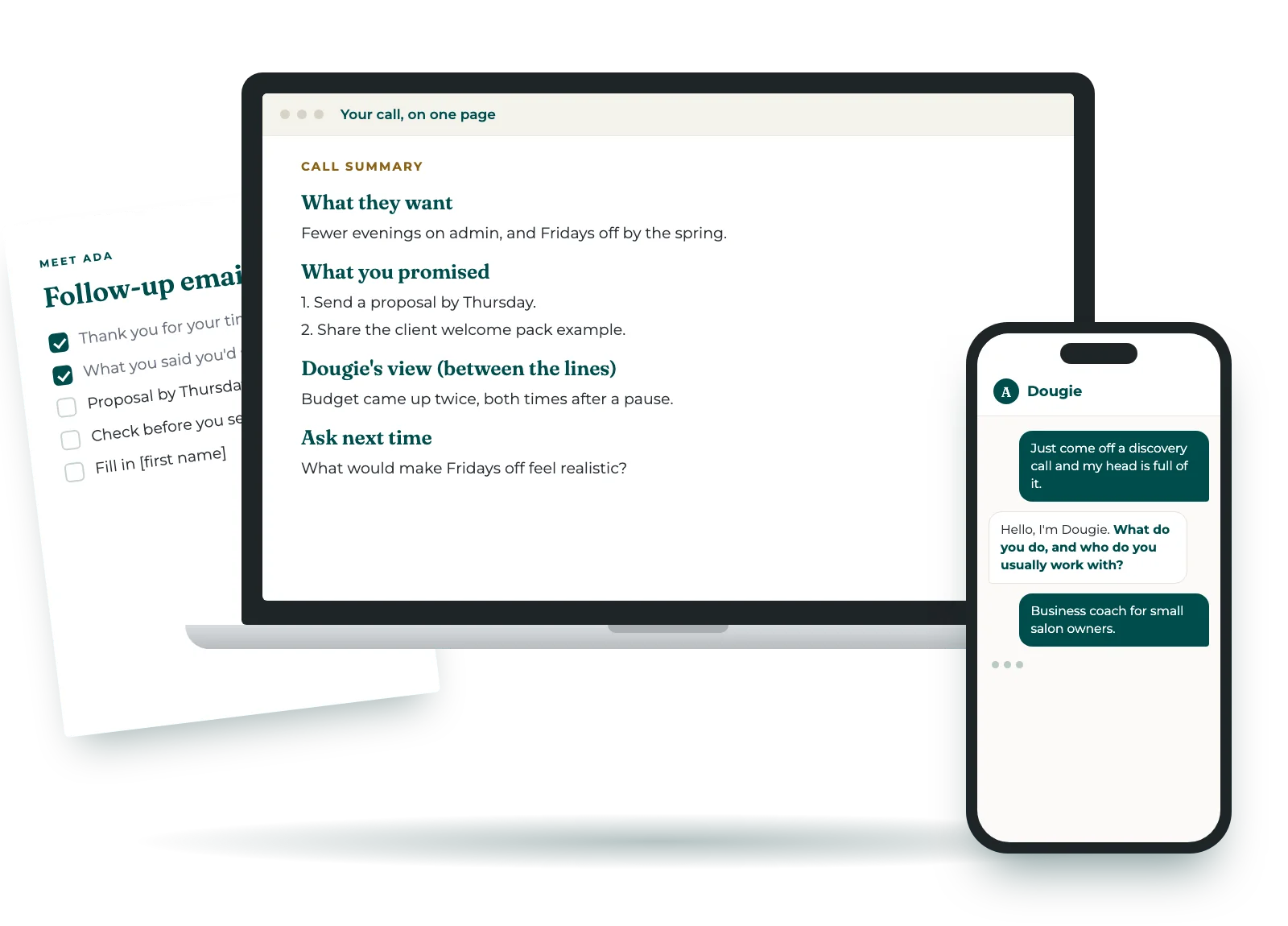
Anyone can get a summary from a note-taker. Dougie goes further. He spots the openings in your client's business and the signals between the lines, like a hint about budget or the thing they kept coming back to.
You've just come off a good call and your head is full of it. Give Dougie the transcript, your typed notes, or a photo of the pages you scribbled on. He asks a few questions only where something's missing, then lays out what was said and who promised what. His own observations sit clearly apart from the facts, and you get a follow-up email draft to check. It takes ten to fifteen minutes.
Dougie only works with what's in your chat.
How it works
- Tell Dougie what you do and how you like to sound in emails. Three words is enough, or paste an email you're happy with.
- Give him the call. Paste a transcript, type or dictate your notes, or add a photo of handwritten pages. If he can't read a word, he checks with you before building on it.
- Get your summary, his observations, questions for next time and an email draft to check. Copy the one-page summary before you close the chat.
- Just come off a discovery call and my head is full of it.
- Hello, I'm Dougie. Give me one client discovery call and I'll turn it into clear next steps. What do you do, and who do you usually work with?
- I'm a business coach for small salon owners.
- How do you like to sound when you email clients? Three words, or paste an email you're happy with.
- Warm, direct, short.
- Your call, on one page PromisedTwo things you said you'd do Between the linesBudget came up twice, both times hesitantly EmailA short recap draft for you to check Copy your one-page summary before you close the chat.
About the email
- It's a short, plain recap of what happened and what was promised, 200 words at most. Your voice shapes the wording, not the content.
- Dougie adds no praise or reassurance of his own, and he never invents a date.
- If you weren't sure you promised something, he flags it after the email so you can check before sending.
- Anything missing, like the client's first name, gets a marker in square brackets for you to fill in.
What Dougie won't do
- He doesn't send anything. He only drafts.
- He won't tell you whether to take the client or what to charge. That's your call, and he says so.
- He copies figures exactly as they were said, so "a few grand tops" stays "a few grand tops".
- He doesn't write proposals. That's Polly's job.
Your head is full of the call.
Dougie puts it on one page.
Where it lives
Dougie only uses what you type or paste into the chat, and it all stays in your own AI account. He doesn't save anything, so copy your one-page summary somewhere you'll find it.
Before you paste a call in, check your client is happy for it to be used this way. You can swap names for initials if you'd rather.
It works in Claude, ChatGPT and Gemini, and you'll get setup steps for each one.
Questions
- How is this different from my note-taker?
- A note-taker tells you what was said. Dougie also gives you his view of the client's business and the signals between the lines, kept clearly apart from what was actually said. If the call is thin, he gives fewer observations rather than padding.
- What can I give him?
- A transcript from your recording tool, typed or dictated notes, or a photo of handwritten notes. With a photo, he reads your notes back and checks any words he isn't sure of.
- What about the proposal?
- Dougie stops at the follow-up email. When you're ready to send a proposal, Polly turns the same conversation into a draft you can review and send.
- Can I use Dougie for client work?
- Dougie is for your own business, and people who work in it, such as employees and contractors, can use him too. The licence doesn't cover using him to deliver paid work for clients. It's all in our terms.
- What if it doesn't work for me?
- If it doesn't install, or doesn't do what this page says, email us within 14 days and we'll fix it or refund you.
Get Dougie
- Dougie, a skill for Claude, ChatGPT or Gemini
- A summary of the call, and a list of who promised what
- Up to four observations on the client's business, plus questions for next time
- A follow-up email draft to check, and a one-page summary to keep
- Next step: Polly turns the same call into a proposal draft
Licensed for use in your own business. Secure checkout through Stan, with payment by Stripe. Your download link arrives straight away by email. Privacy notice · Terms.
Who's behind Dougie
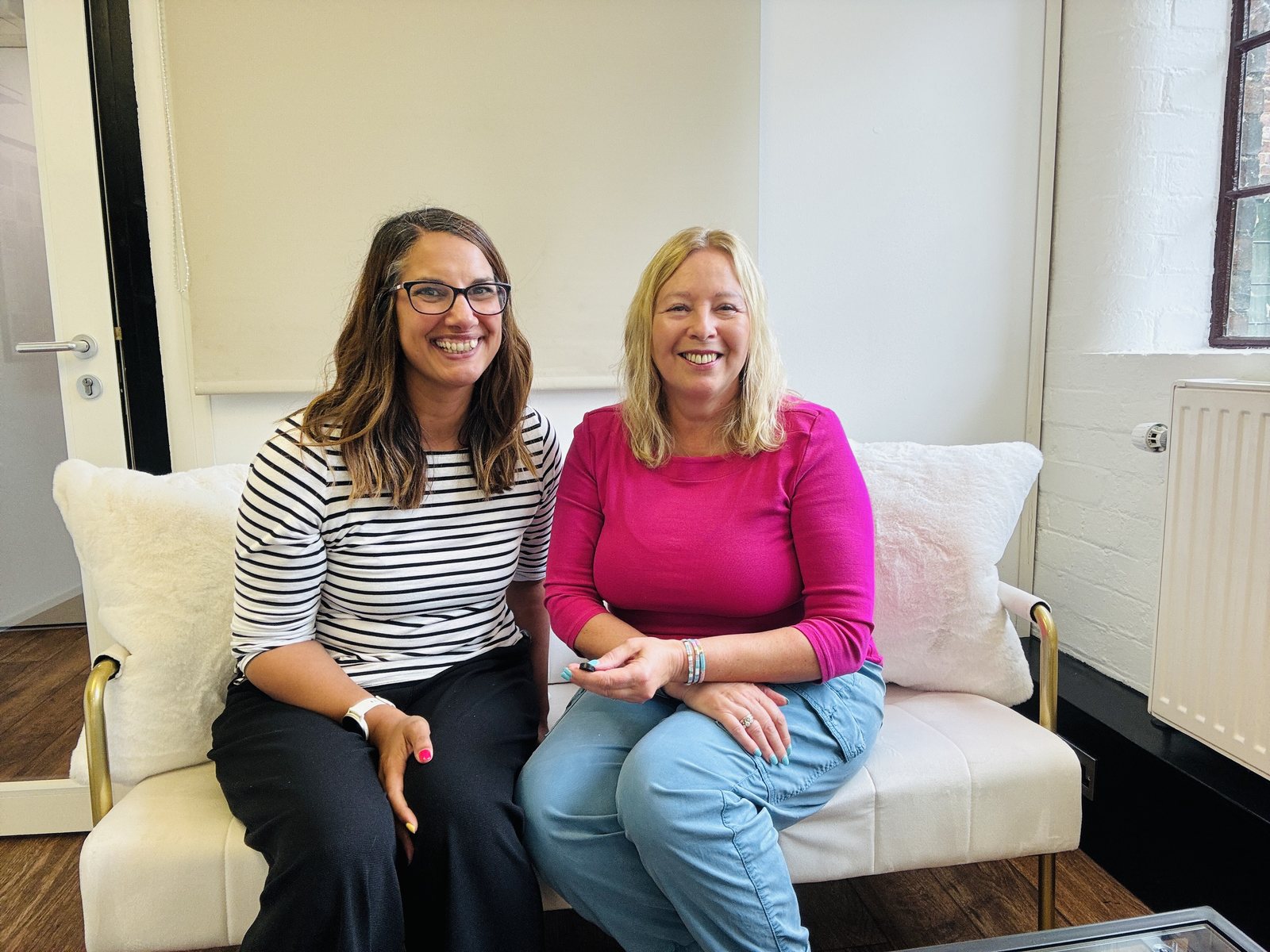
We're Jacqueline Leake and Nina Mistry, the two halves of Meet Ada. Jacqueline is an AI specialist and trainer who spends her days inside clients' accounts, seeing what's sitting in their heads that should be written down. Nina builds the tech. She takes what Jacqueline pulls out of people's heads and turns it into tools that bloody work. Simple ones. The kind you'll actually come back to.